What’s new in Thunderbolt
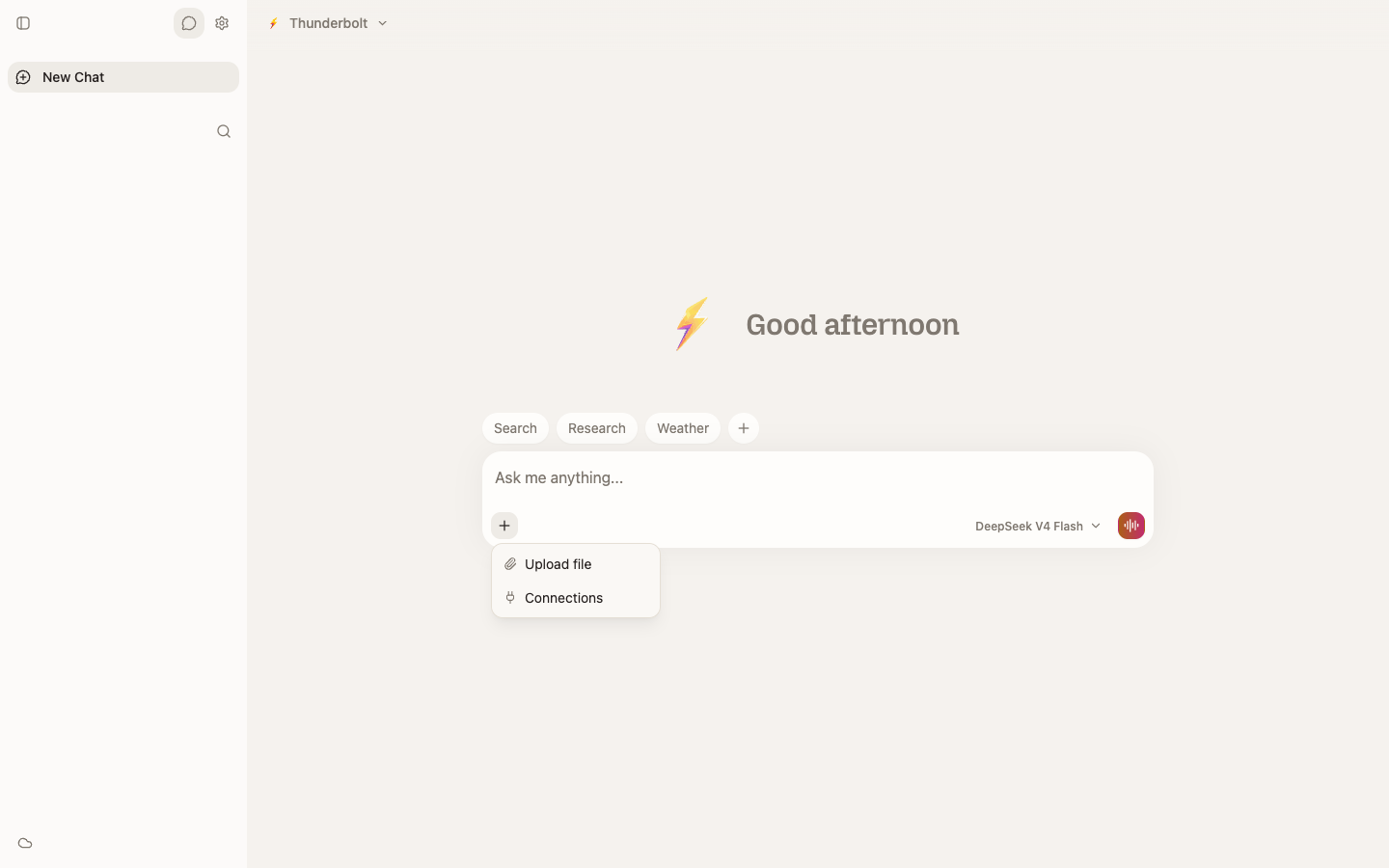
Since launching Thunderbolt, we’ve been focused on adding more functionality and features. Here’s what’s changed since launch and what we’re working on next.
Released
-
Redesign. Thunderbolt has an updated look and feel.
-
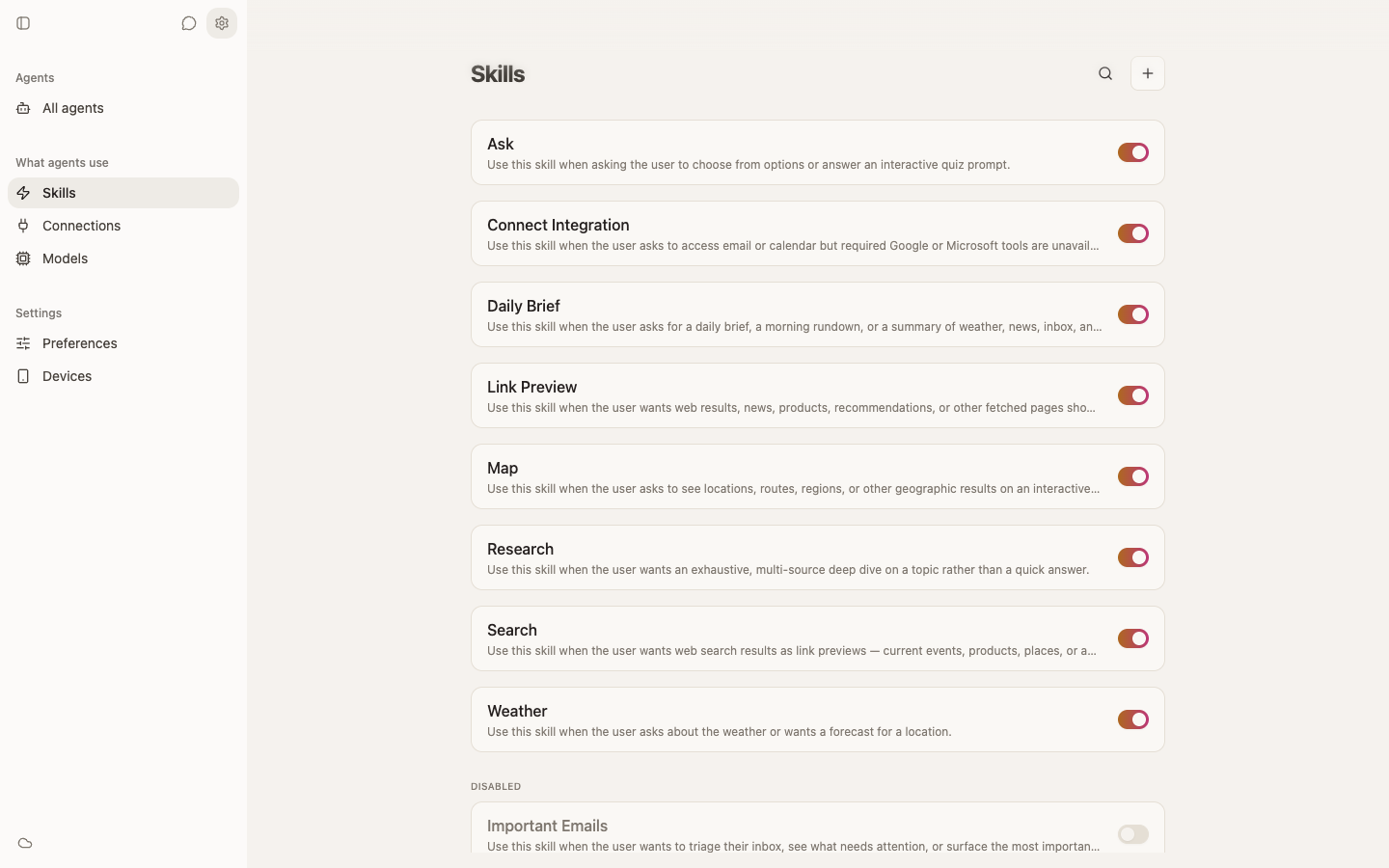
Skills. Users can now create and save custom Skills to use throughout their chat with any model or provider. Create a Skill once and reuse it whenever you need it, whether that’s turning rough meeting notes into a clean email, or researching a topic and compiling it into a summary you can share.
-
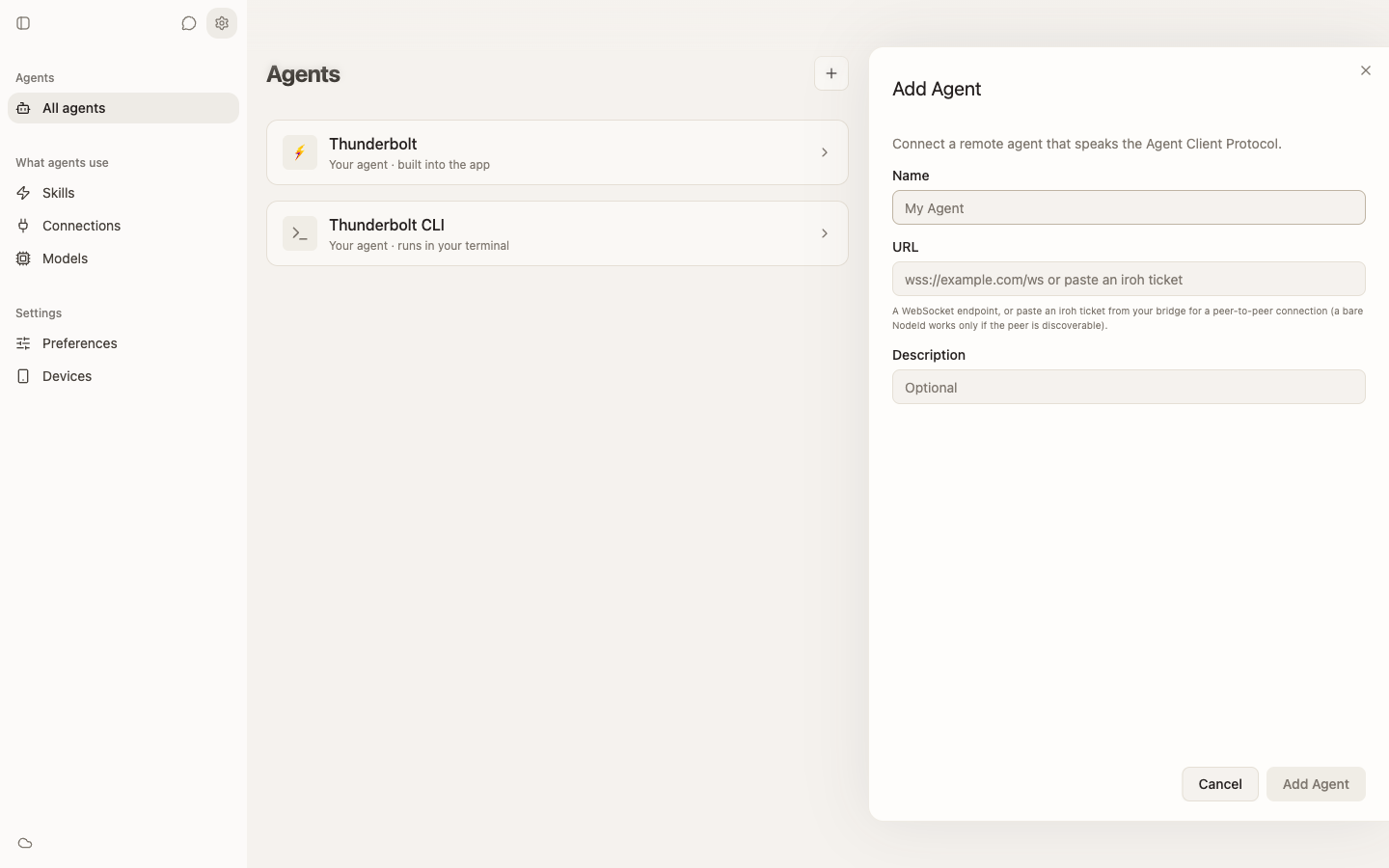
Agents. Connect Thunderbolt to any agent with Agent Client Protocol (ACP) - including Hermes, OpenClaw, Claude Code, Pi, and more. Here’s the directory of officially supported agents to start from. Many agents that don’t have official ACP support have third-party adapters.
-
SAML/SSO. For enterprise deployments, organizations can configure Thunderbolt to use their internal identity provider. No extra login for people to remember, and a simpler rollout for IT.
-
Voice mode. Talk to Thunderbolt instead of typing. Useful when you’re on the go, or when you’d rather think out loud.
-
File upload. Bring your own files directly into the chat and ask questions about the documents you’re already working with.
-
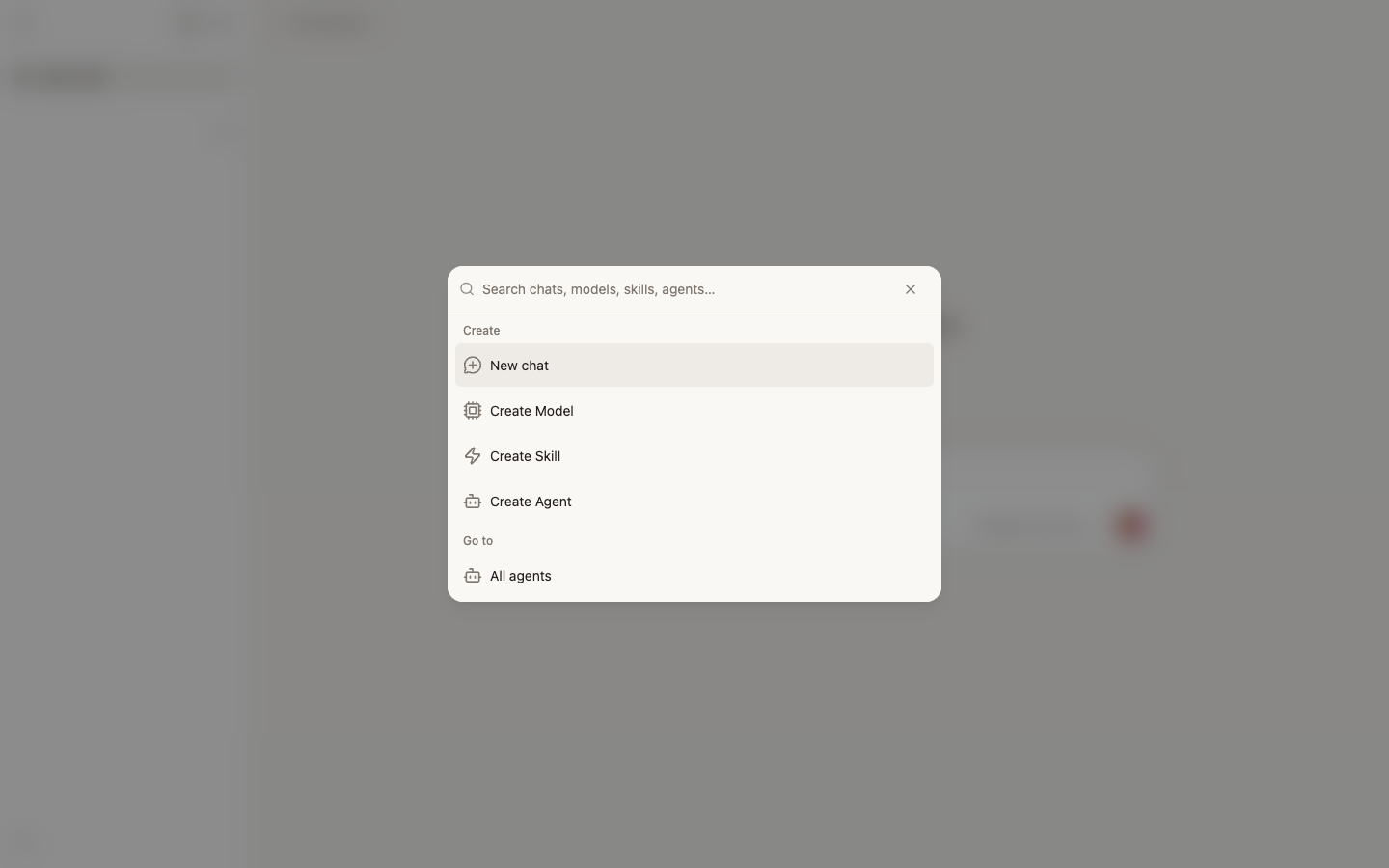
Search. Search your past chats instantly.
-
Maps, Graphics, Quizzes, and more: Thunderbolt can now generate UI components directly in chats like maps, quizzes, and custom graphics.
In progress
- Agent creation. Build and configure your own agents directly in Thunderbolt.
- Mobile. Thunderbolt’s mobile experience is coming to app stores soon.
- Projects. Organize your work into folders with shared context.
- Thunderbolt CLI. Use Thunderbolt agent on the command line as a coding agent.
Thunderbolt is open source and self-hostable. You can explore the docs, see the full code on GitHub, or contact our team for a demo and custom solutions.